How to Create a Safe Multi-Sig Wallet Account?
Overview
Links:
This tutorial uses Protofire Safe as the example.
I. Connect Wallet
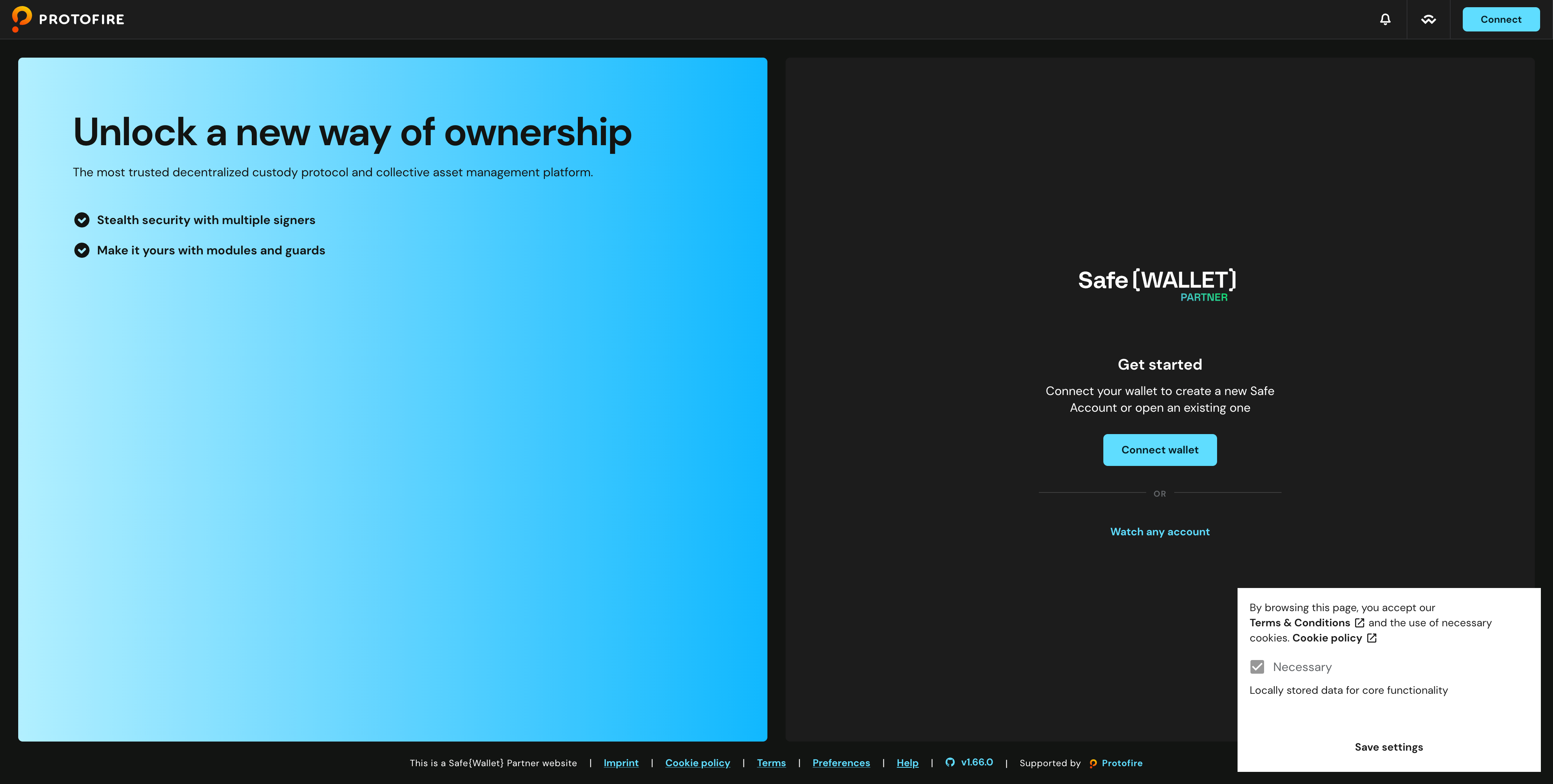
- Click Save Settings in the bottom right corner, this confirms your agreement to the Terms & Conditions and allows the site to store necessary data locally for core functionality.
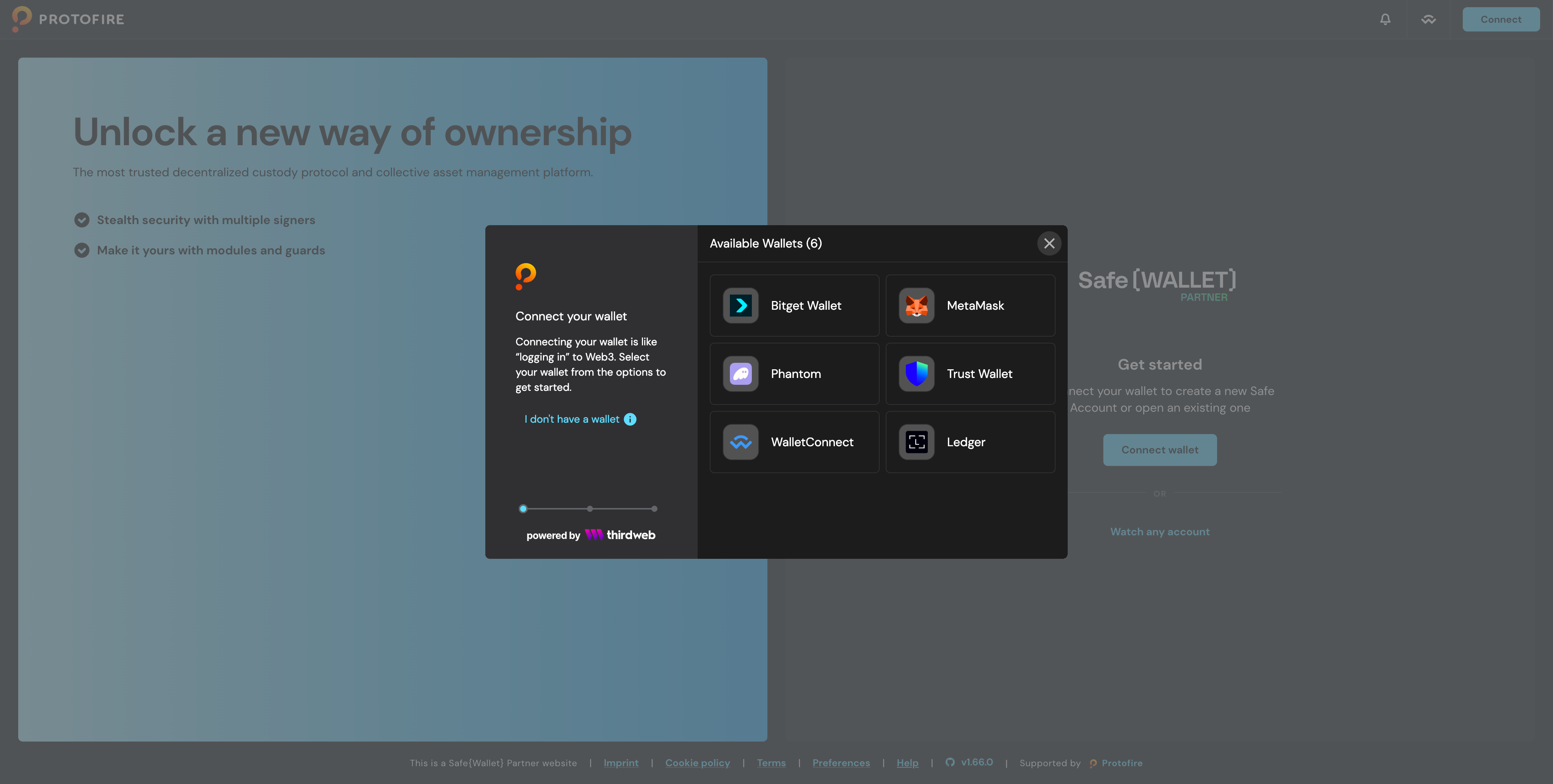
- Click Connect Wallet and choose your preferred wallet. This tutorial uses MetaMask as the example.
II. Create Account
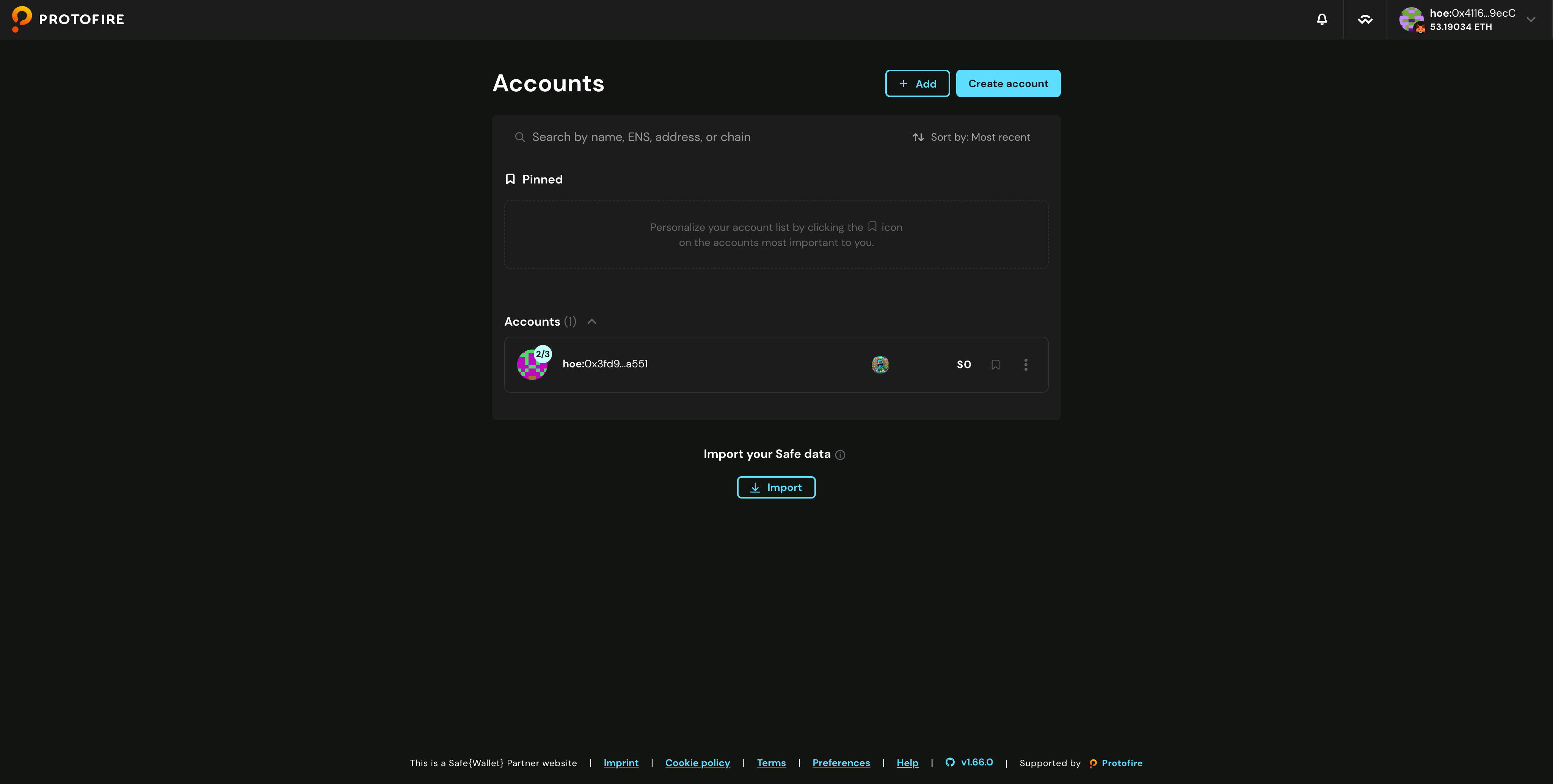
- If you don't have a Safe address yet, the Accounts list will be empty. Click Create Account to set one up. If you already have a Safe address, you can skip this tutorial.
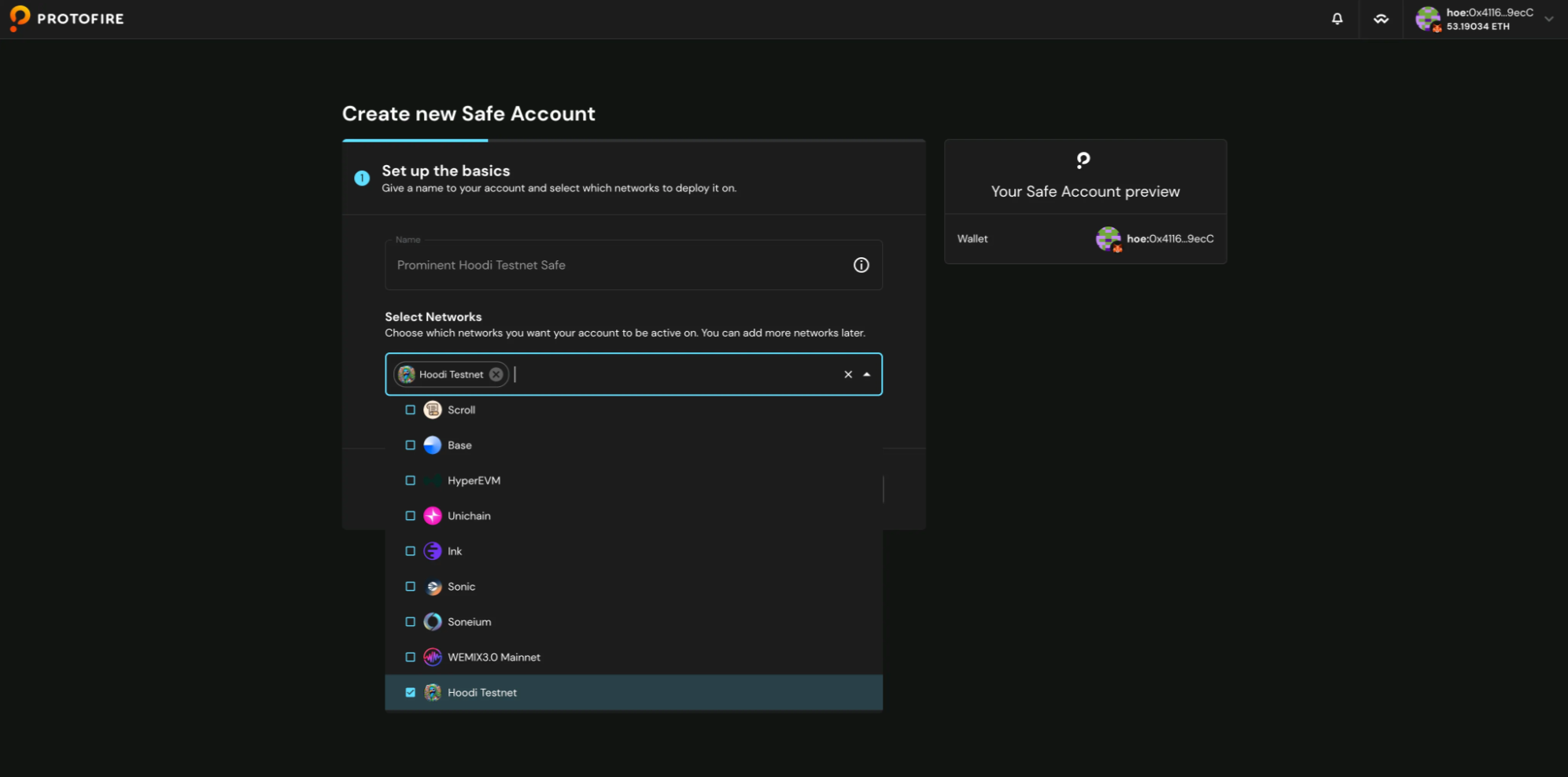
- You'll need to complete two options: Name and Networks. The Name option is optional—you can leave it blank or enter a custom name. For the Networks dropdown, choose your preferred networks (this tutorial uses Hoodi Testnet as one example).
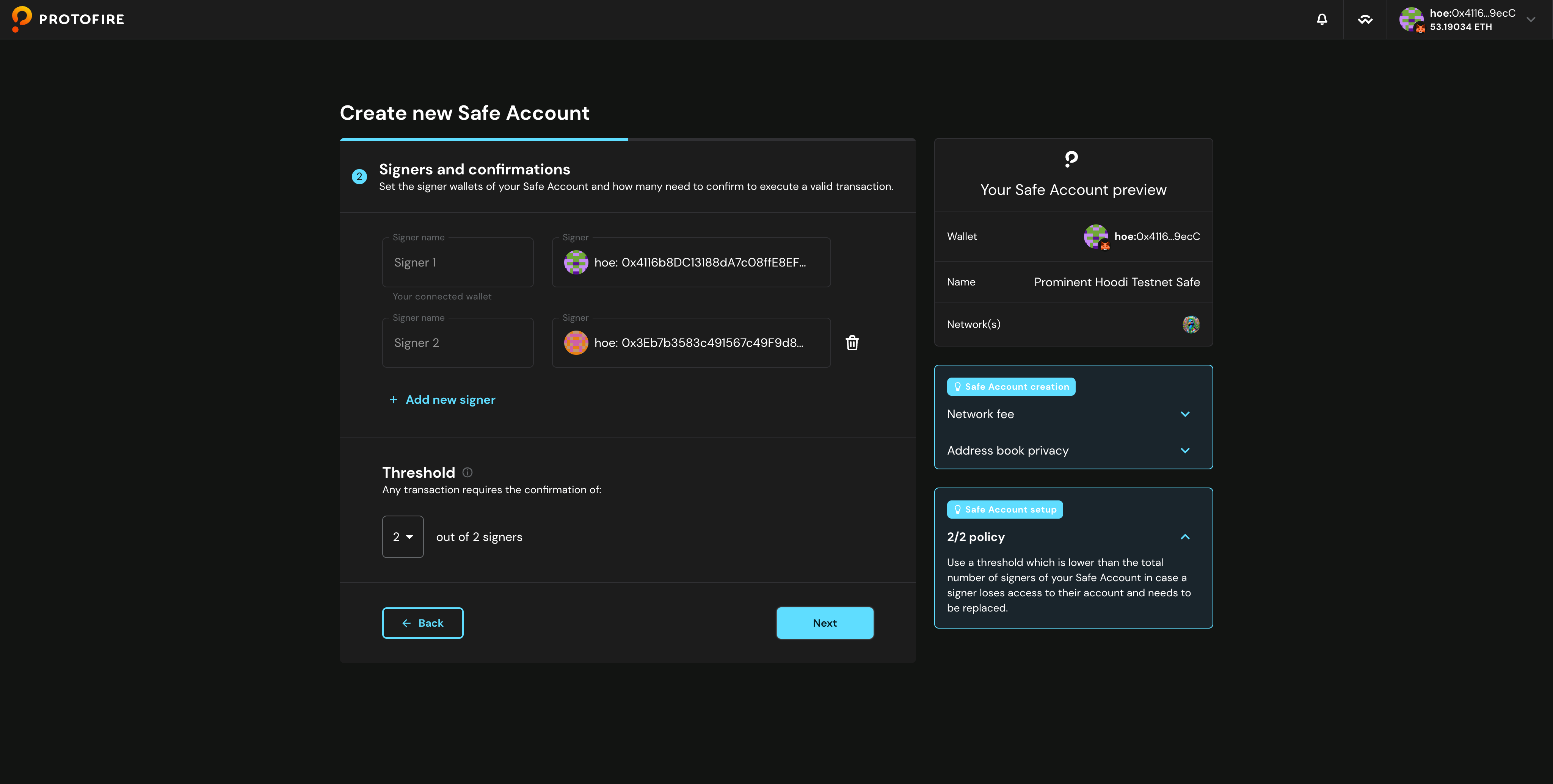
- Add the signer wallet addresses to your Safe account and set how many signatures are required to execute transactions. In this example, there are two signers where both must approve each transaction. When you're done, click Next.
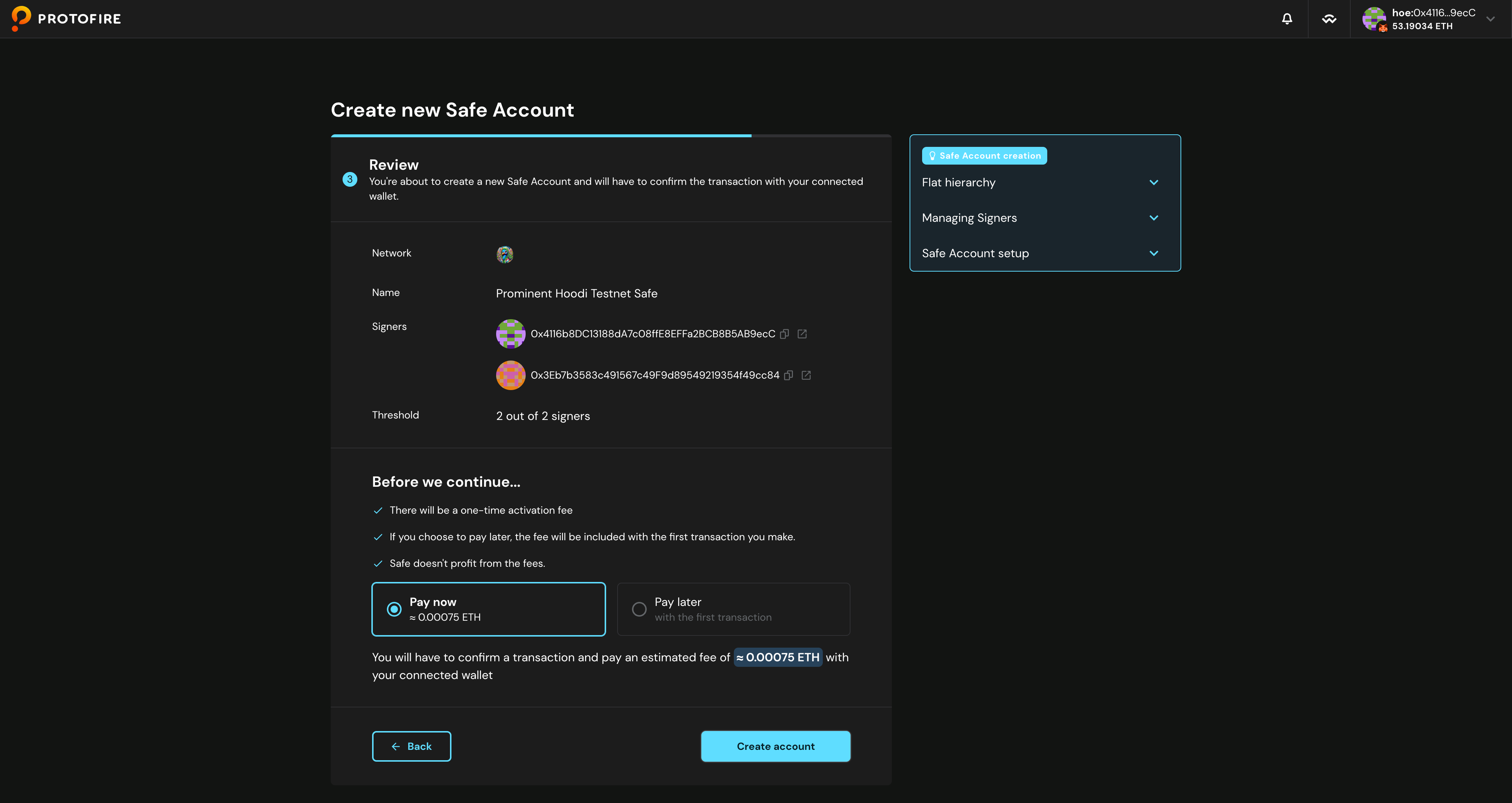
- You may select Pay Now or Pay Later to create your account. If you select Pay Later, you will pay the activation fee during your first transaction. If you select Pay Now, you will pay the activation fee immediately. After making your choice, click Create Account. This tutorial proceeds with the Pay Now option.
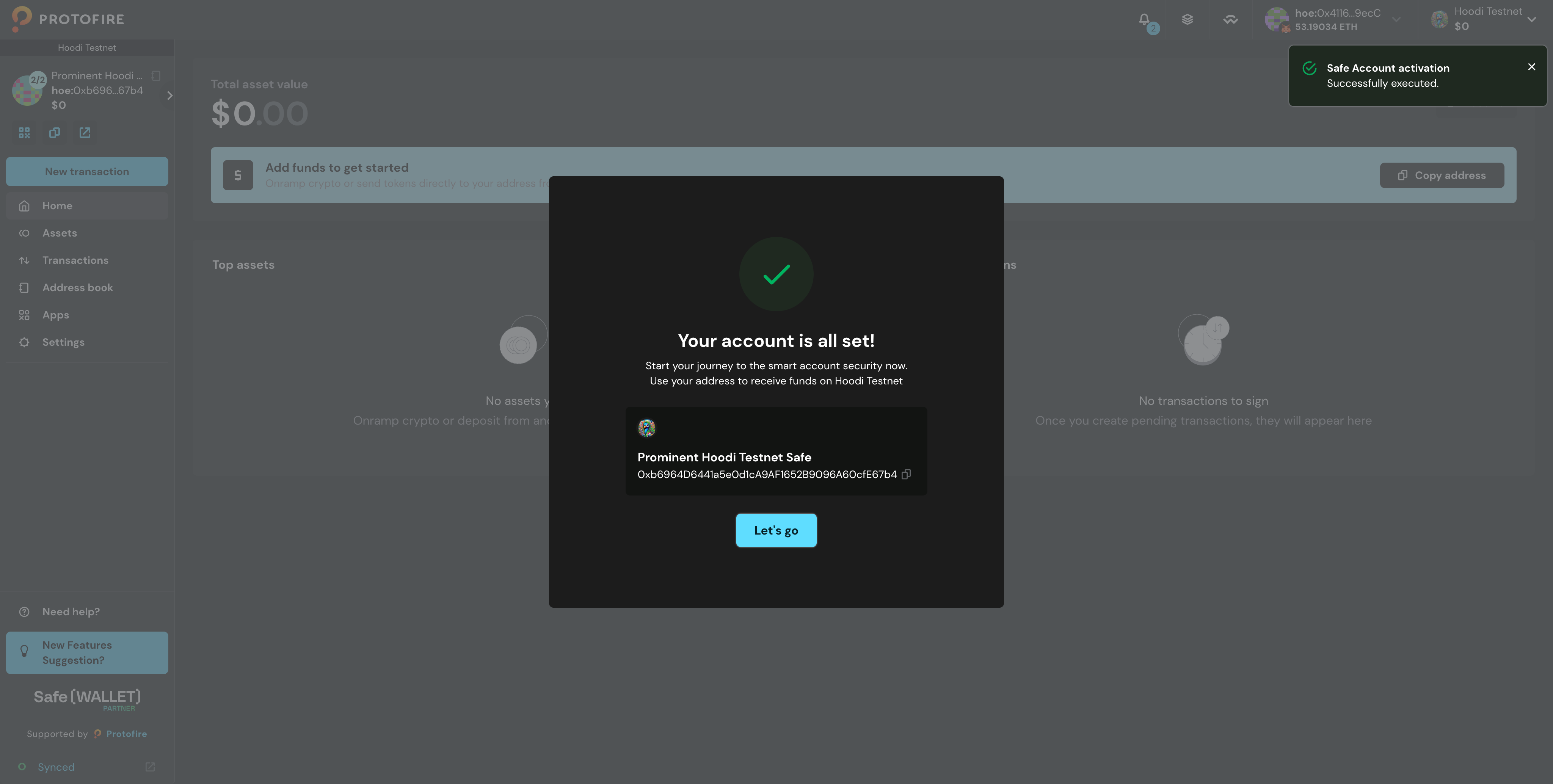
- Success!