Ethereum Staking Tutorial
I. Connect Wallet
- Click "Stake ETH Now", and connect your wallet.

💡 If you do not have a wallet, please refer to this: Find an Ethereum Wallet | ethereum.org
- Your page will show this once your wallet is successfully connected.
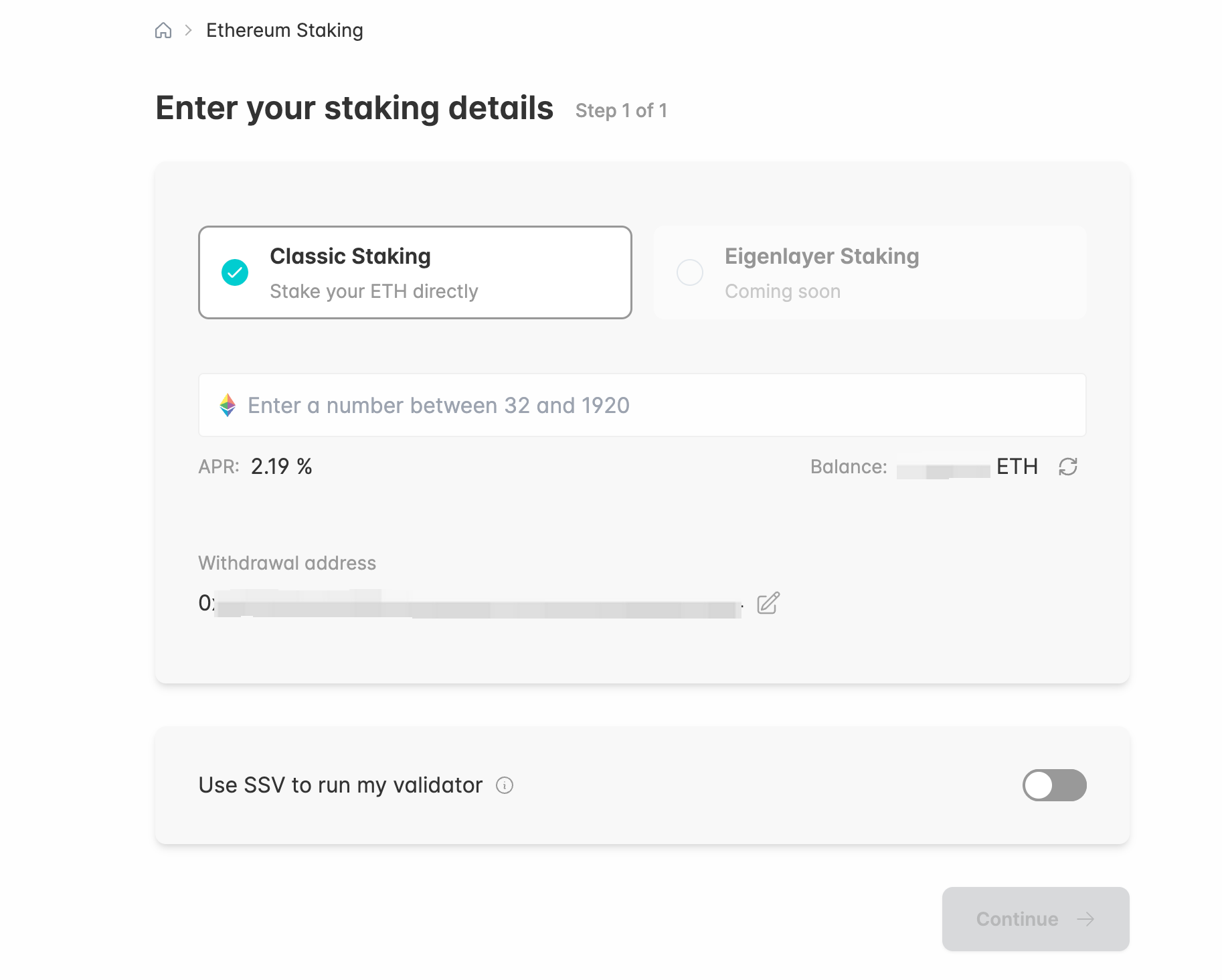
II. Staking
- Make sure you are on the correct Network.
- Select your preferred type of staking. Enter the amount of ETH you want to stake.
When ready, press "Continue".
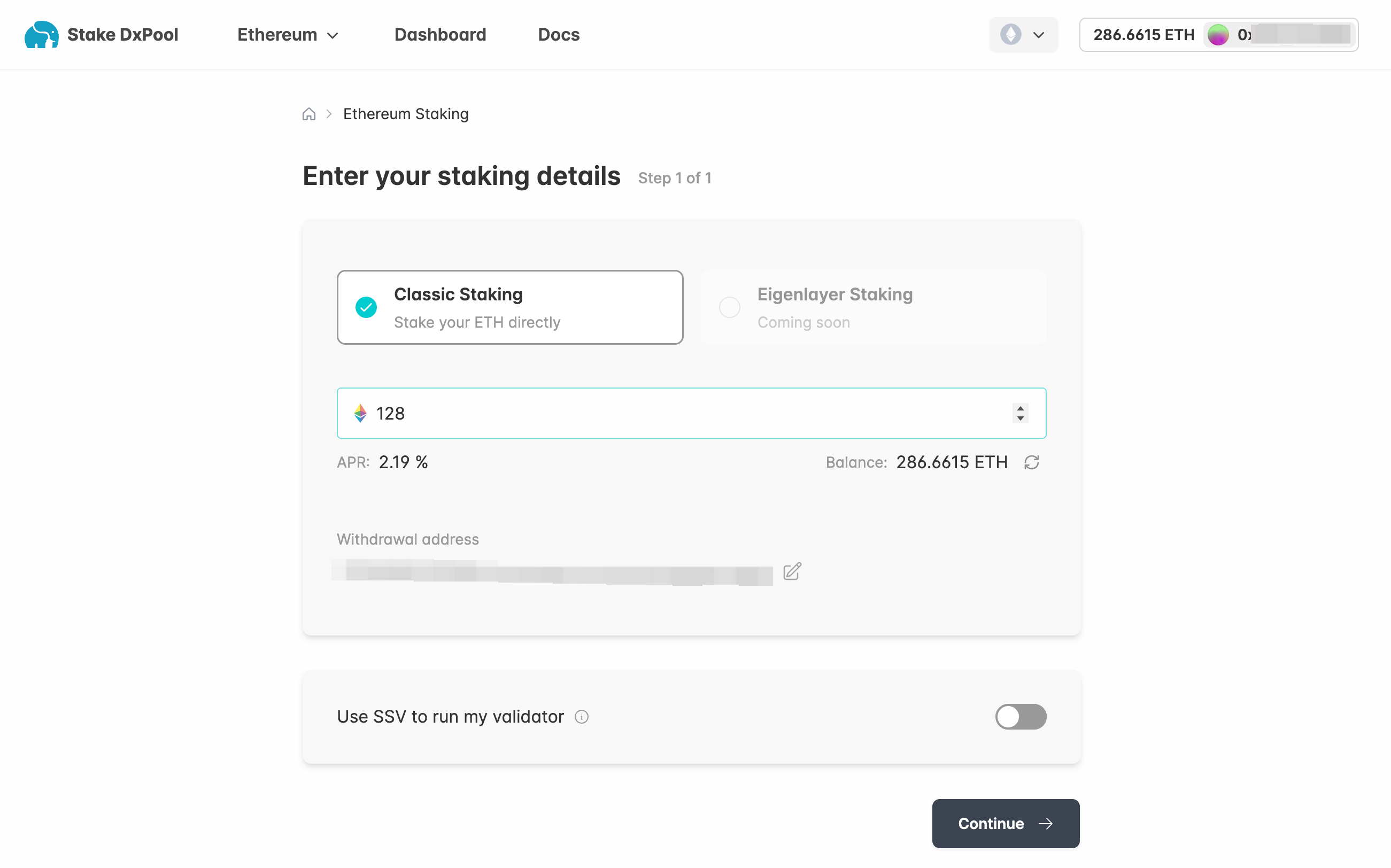
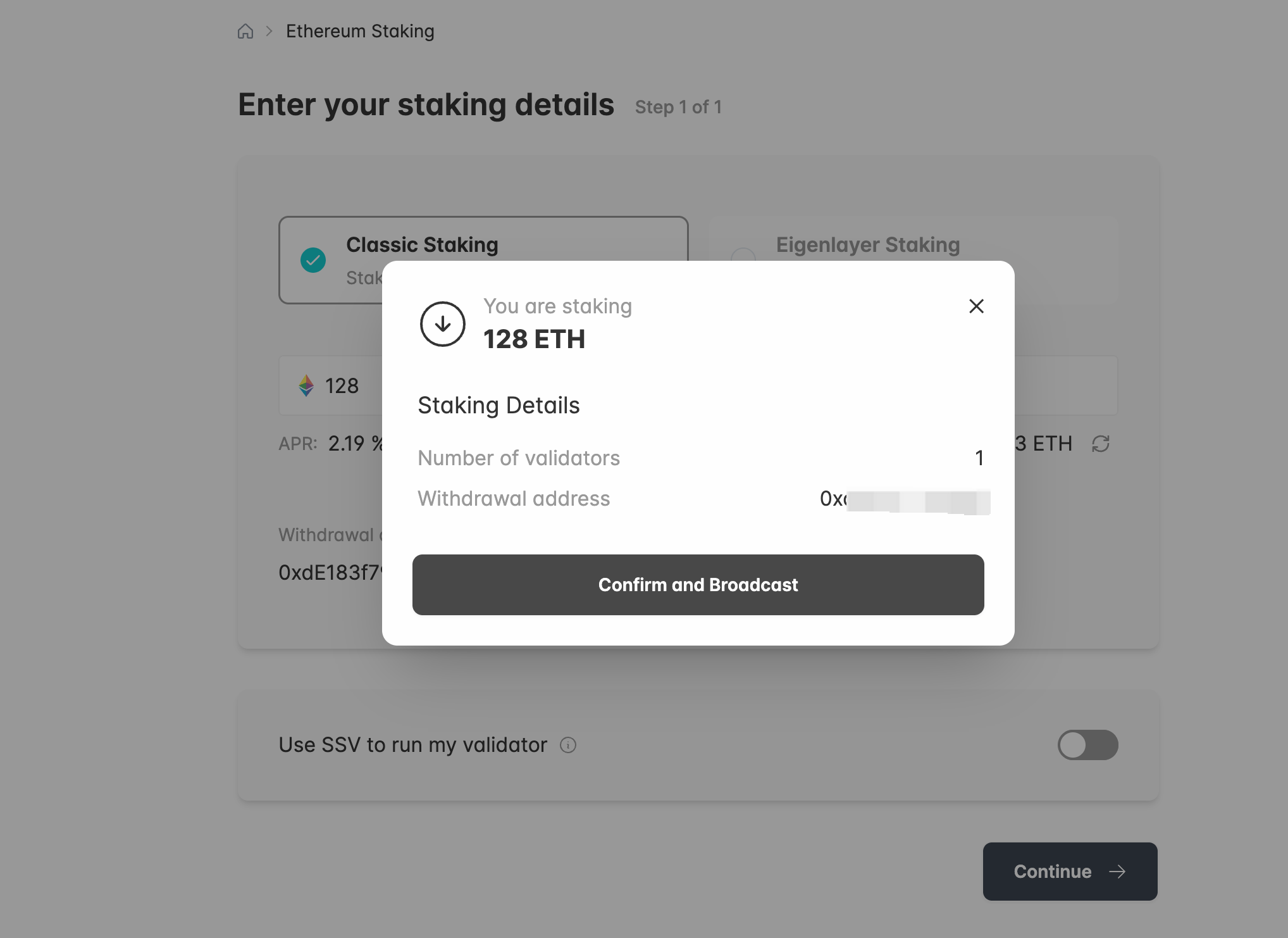
- You will still have a chance to check everything before you actually stake.
If all details are correct, click "Confirm and Broadcast". You will receive a sign request from your wallet.
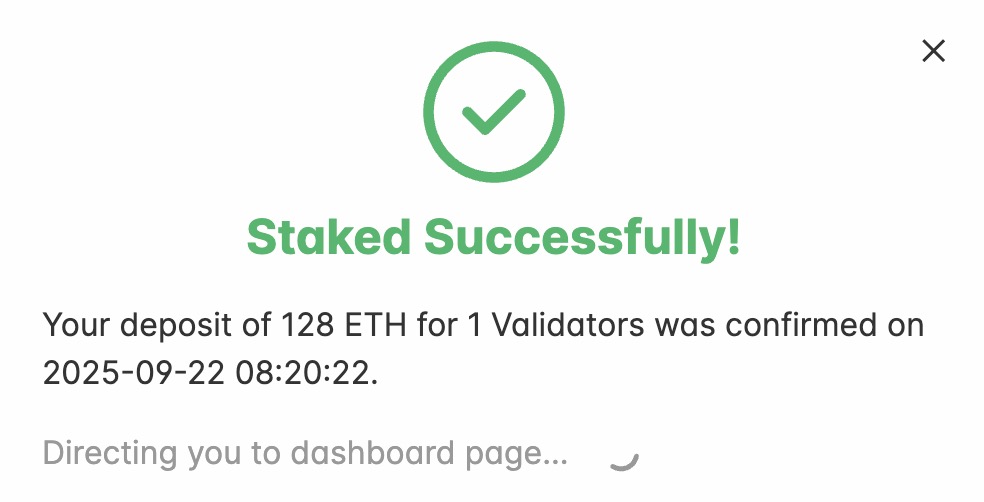
- Successfully deposited if you see this confirmation page.
III. View Your Validator
- You may always check and claim your profit in your "Dashboard".
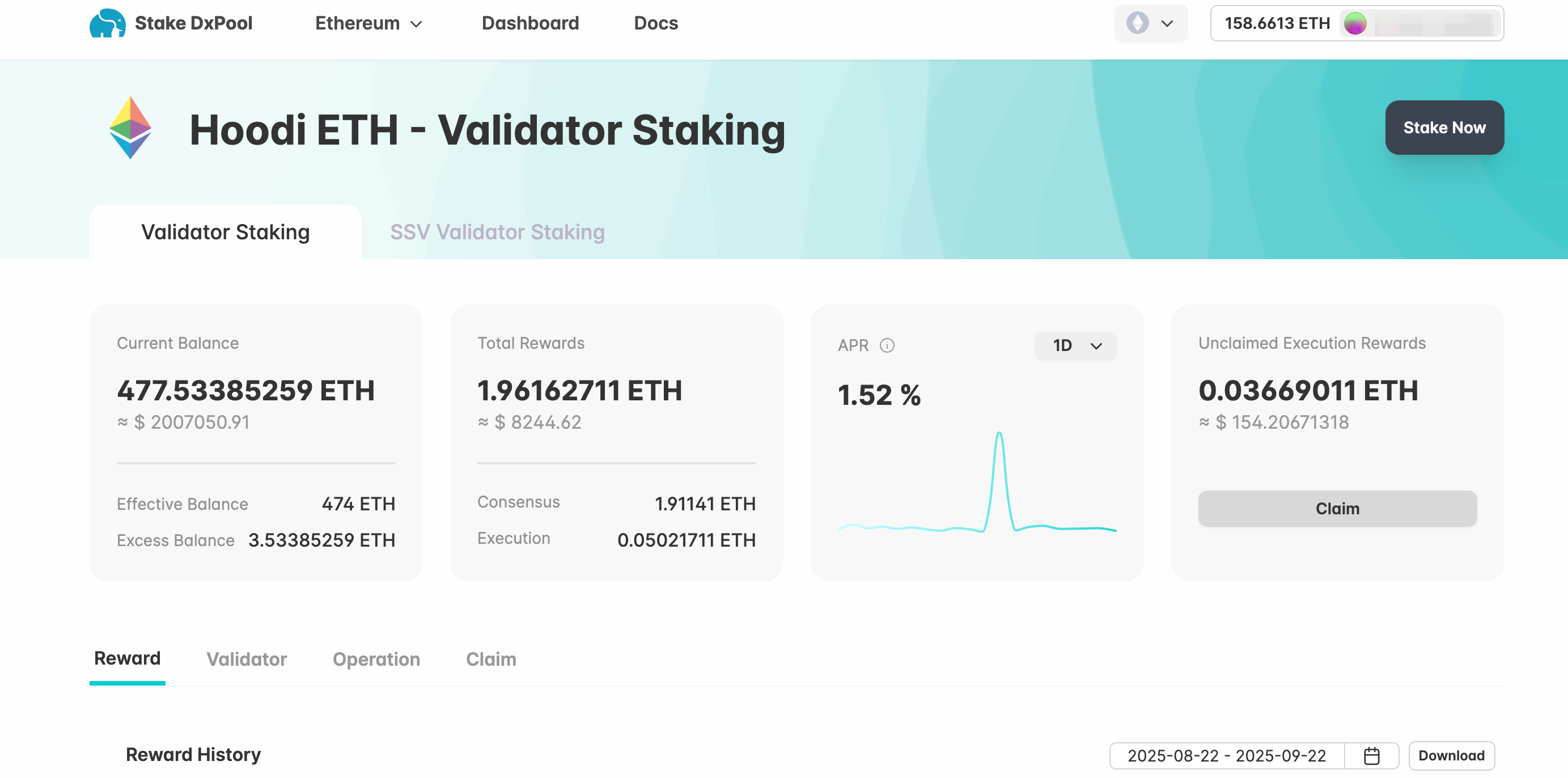
- It might take a couple of weeks until your validator is active.
Here's an illustration of the process:

IV. To Untake with Us
- In order to retrieve the complete validator balance, it is necessary to initiate a complete exit first.
The duration of the exit procedure varies depending on the number of other validators also exiting simultaneously.
The greater the number of validators exiting, the longer the waiting period for a validator.