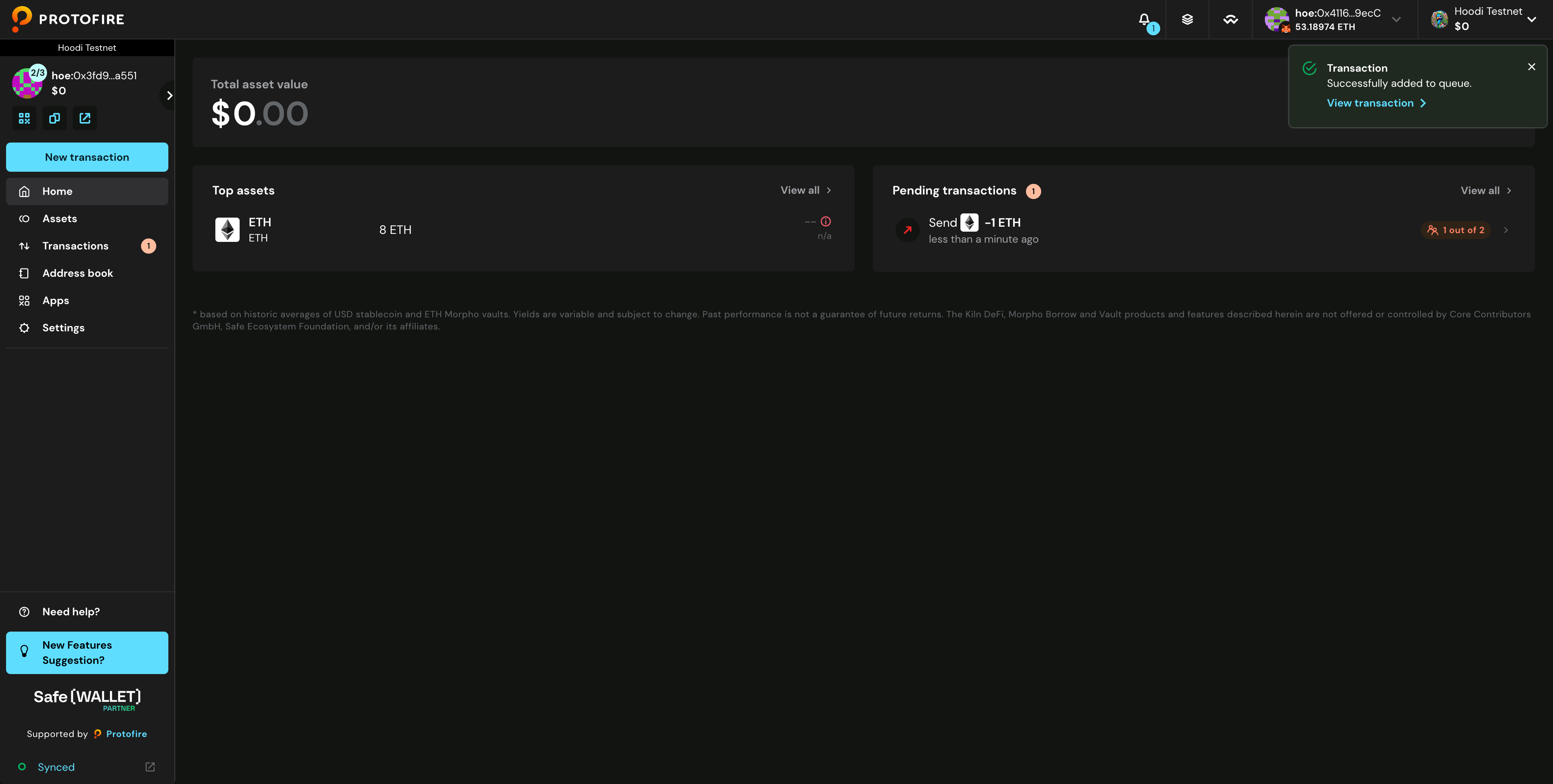
How to Create a New Transaction?
Overview
The Protofire Safe account used in this tutorial has three signers, with two required to approve each transaction (current balance is 8 ETH). This tutorial uses a signer account that automatically approves transactions as they're created, meaning each new transaction already has one approval. If using a proposer account instead, two additional signers would be required to approve the transaction.
Create Transaction
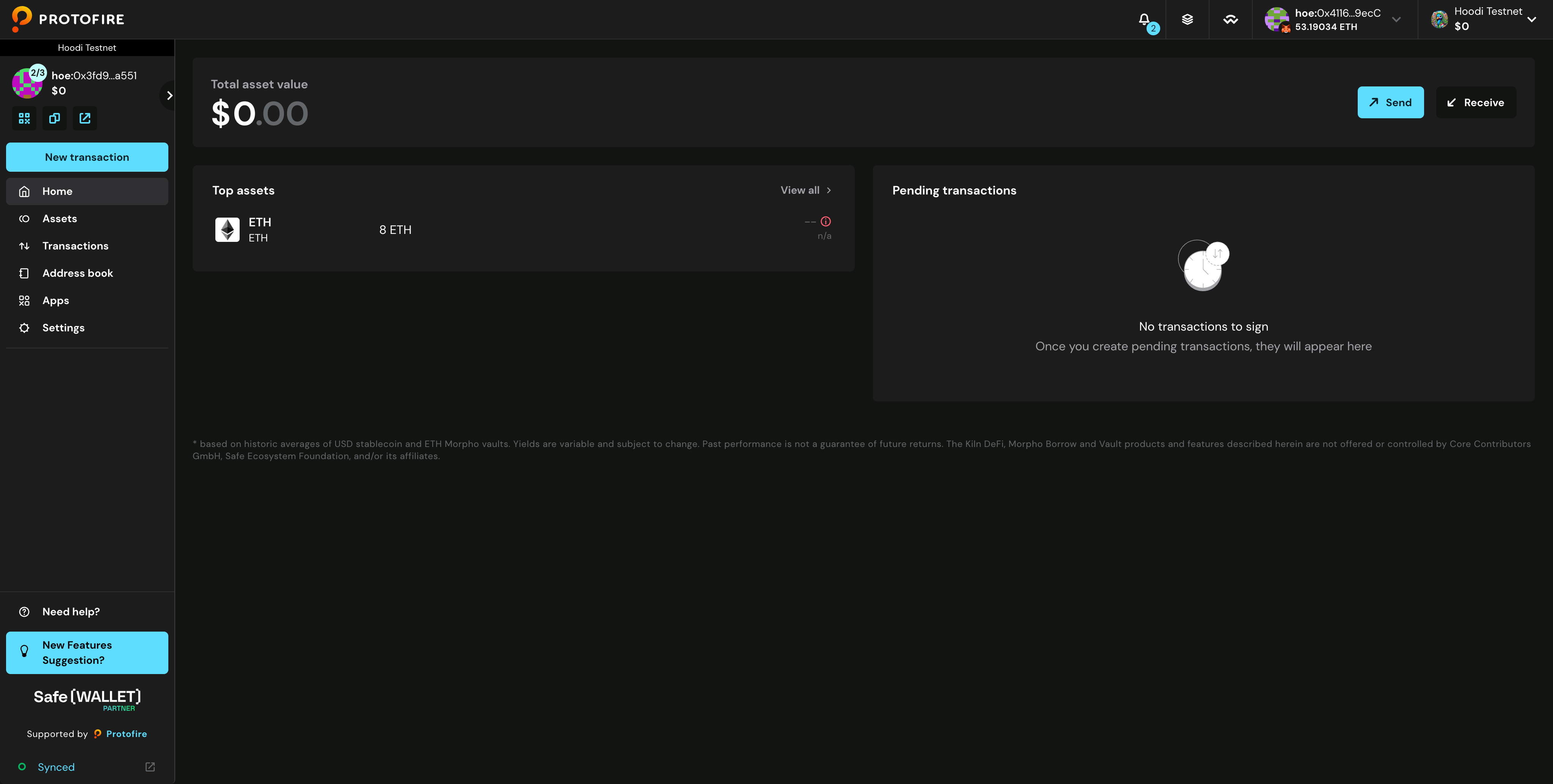
- Make sure you are using the correct network, then click New transaction.
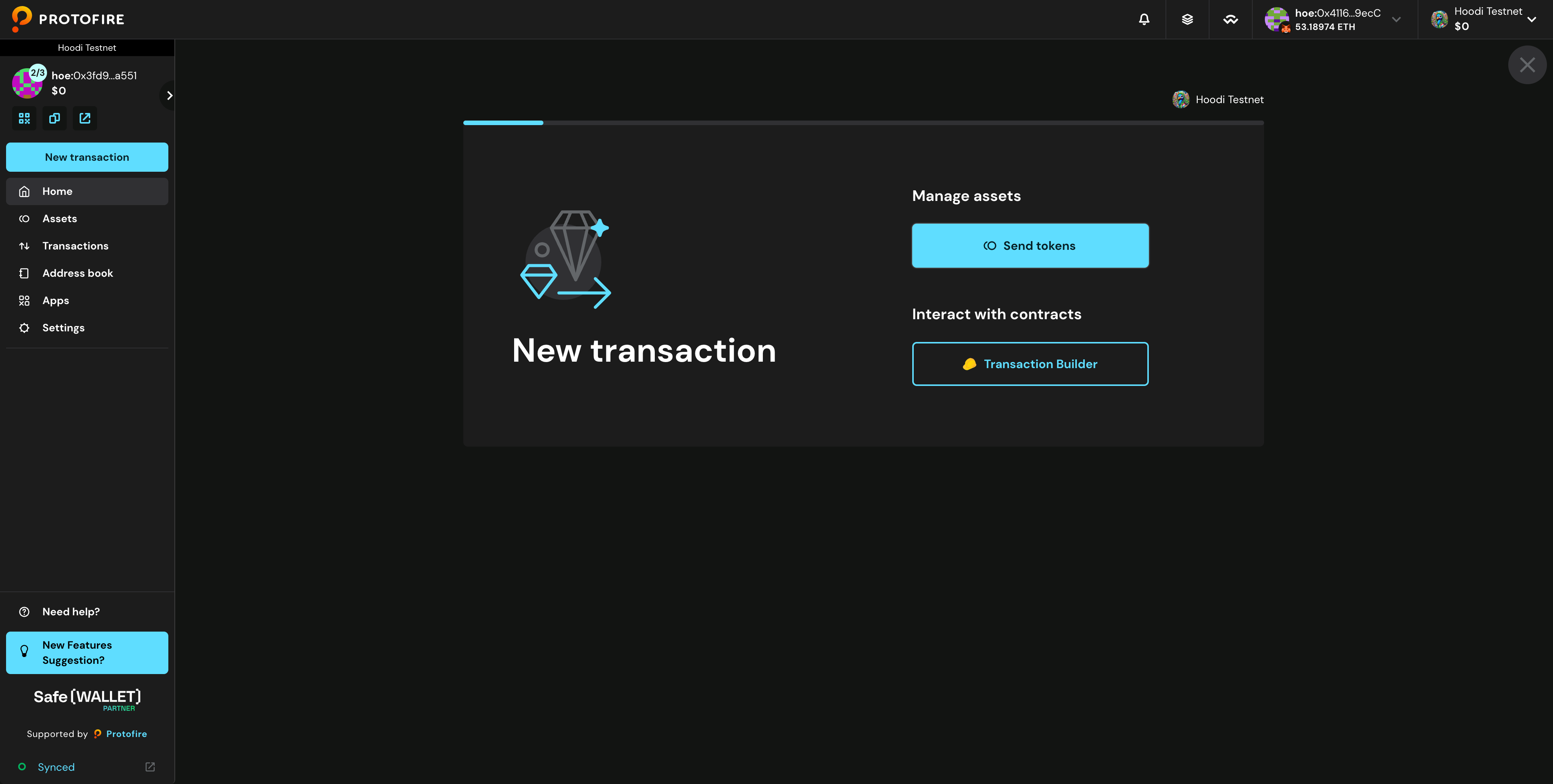
- Click Send tokens
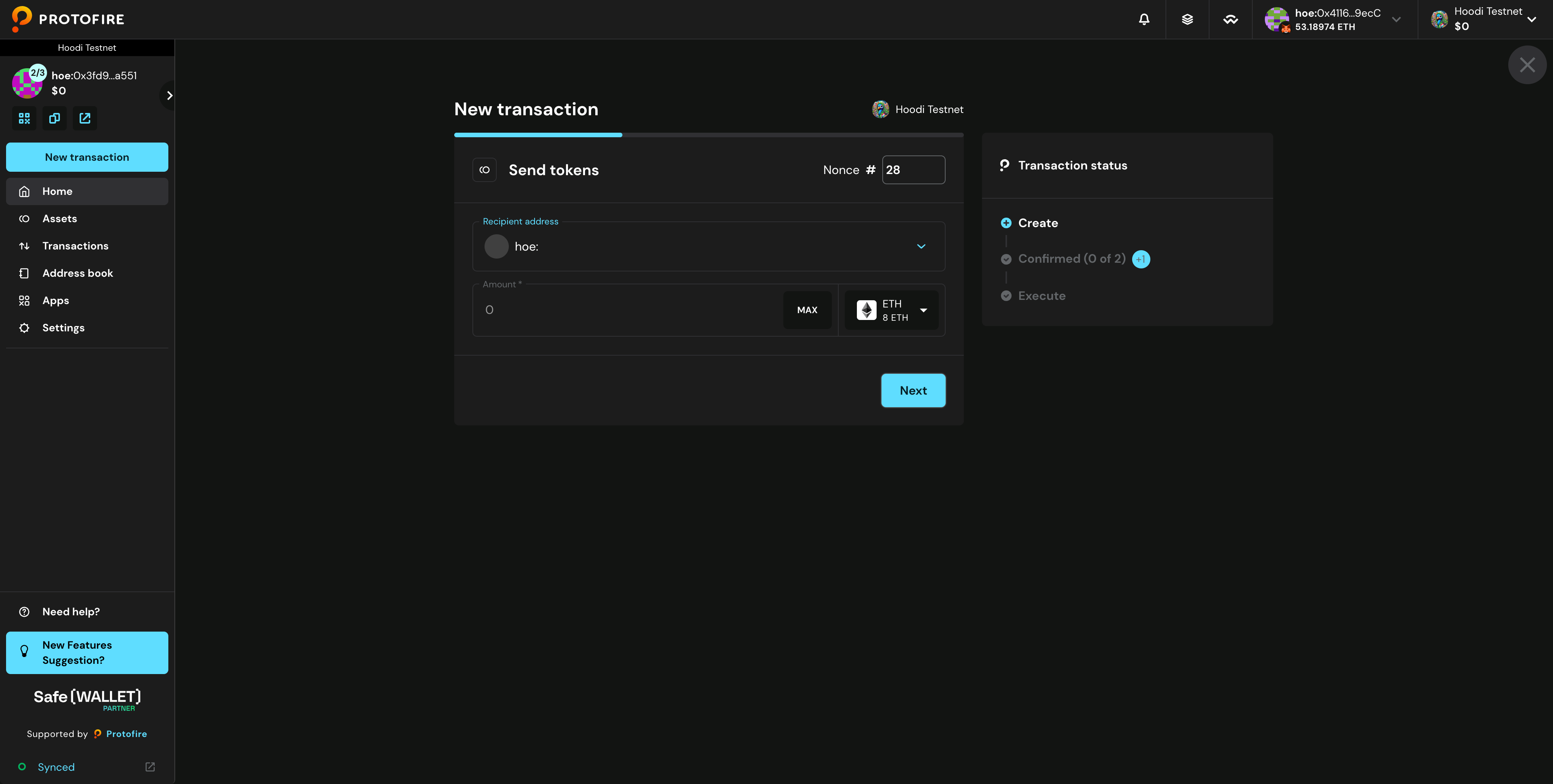
- Make sure the correct token is selected. Enter the recipient address and amount, then click Next.
- Click Continue
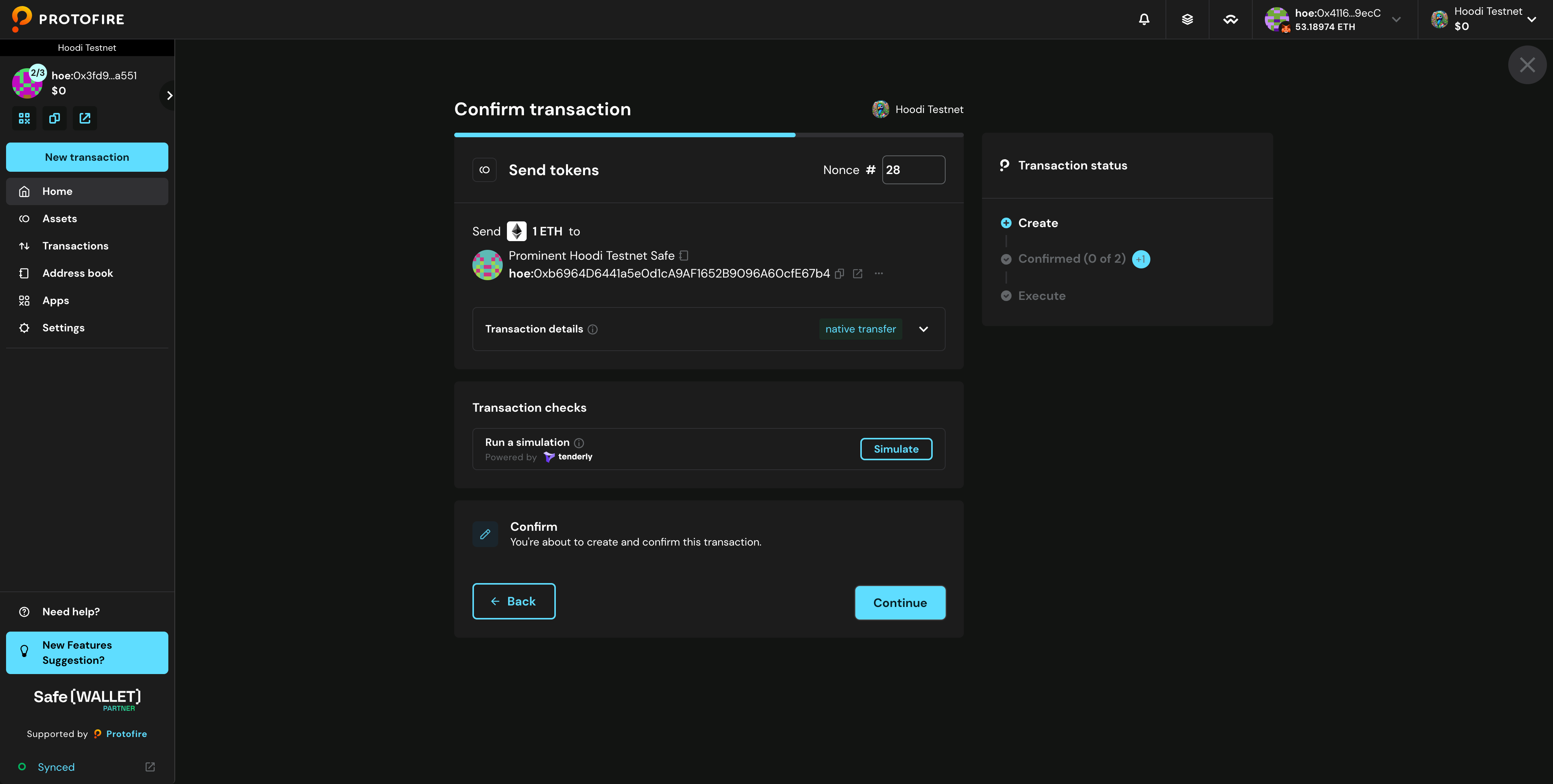
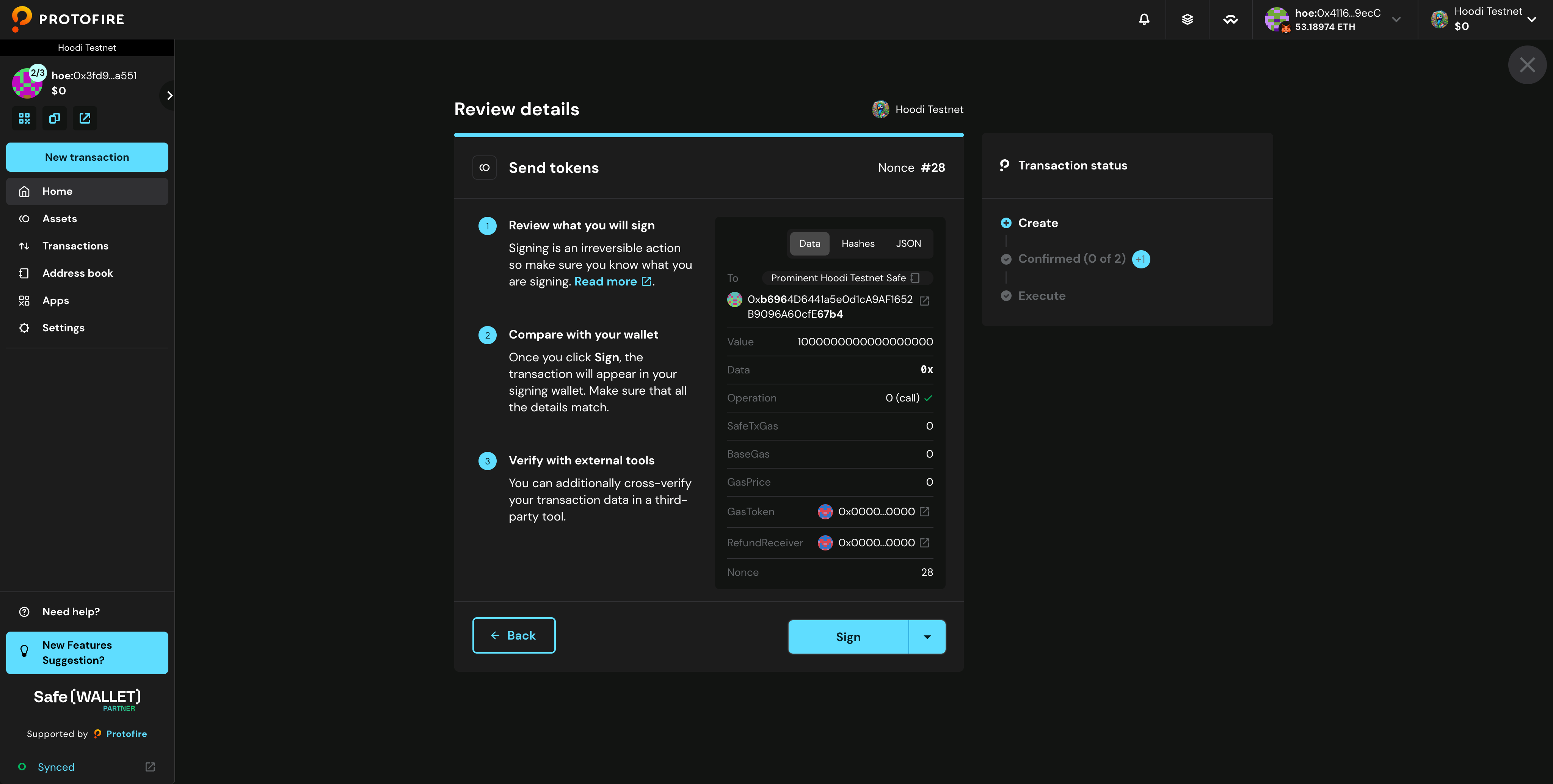
- Review the transaction carefully, verify the details with your wallet or a third-party tool, then click Sign to complete.
- You should see a confirmation that the transaction was successfully added to queue.