Manta Staking Tutorial
Overview
Staking $MANTA in Manta Atlantic entails participating in the network security via the collator program and gaining rewards. To engage in staking, adhere to the instructions provided.
Manta Staking: Manta dApp
I. Create a wallet
- You need a Manta-supporting Wallet. Create a new one or connect your existing wallet.
💡 If you already have your Manta Wallet can skip to step II
- 1.1 To create a Manta wallet, you need to install one of the following wallet extensions:
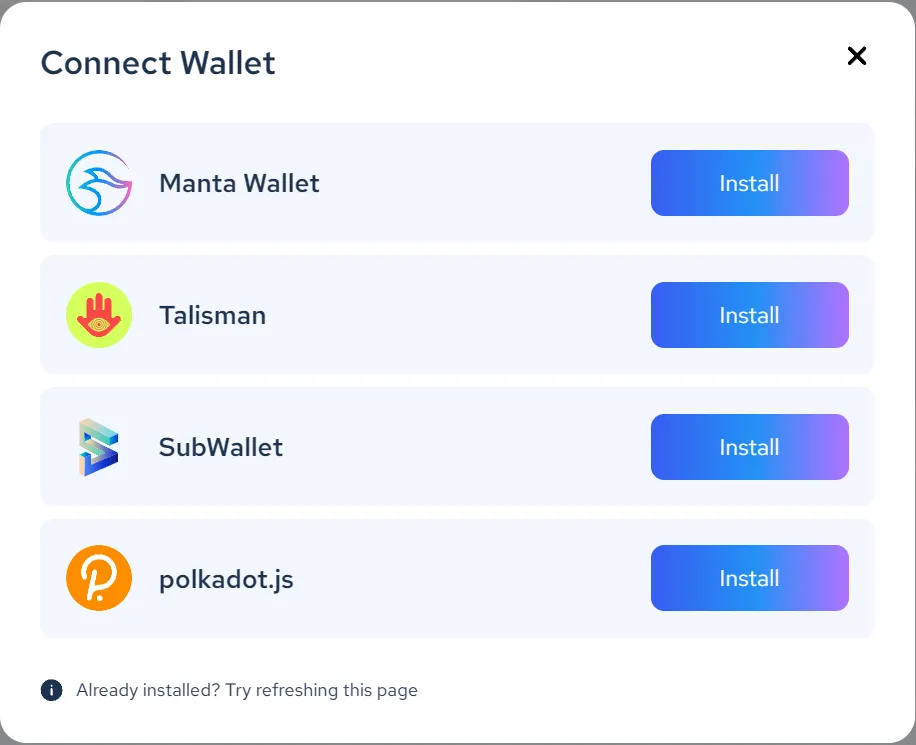
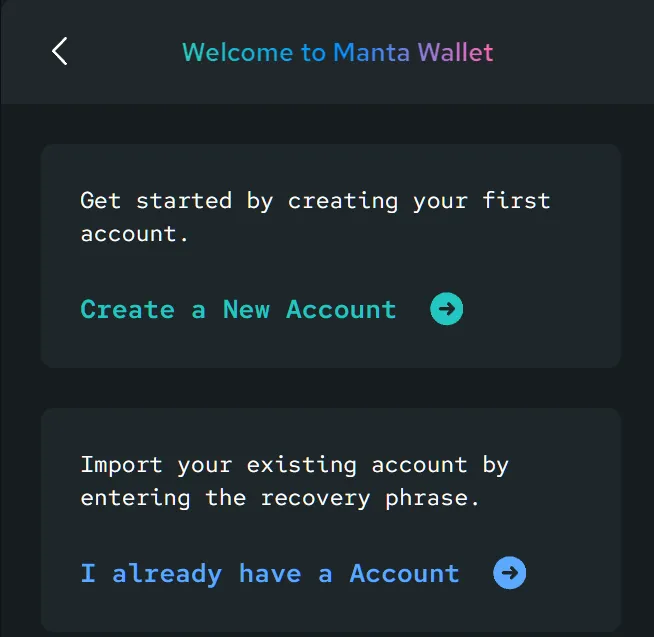
- We are using Manta Wallet as demonstration; continue with the option best describes your situation:
II. Funds and Rewards Mechanics
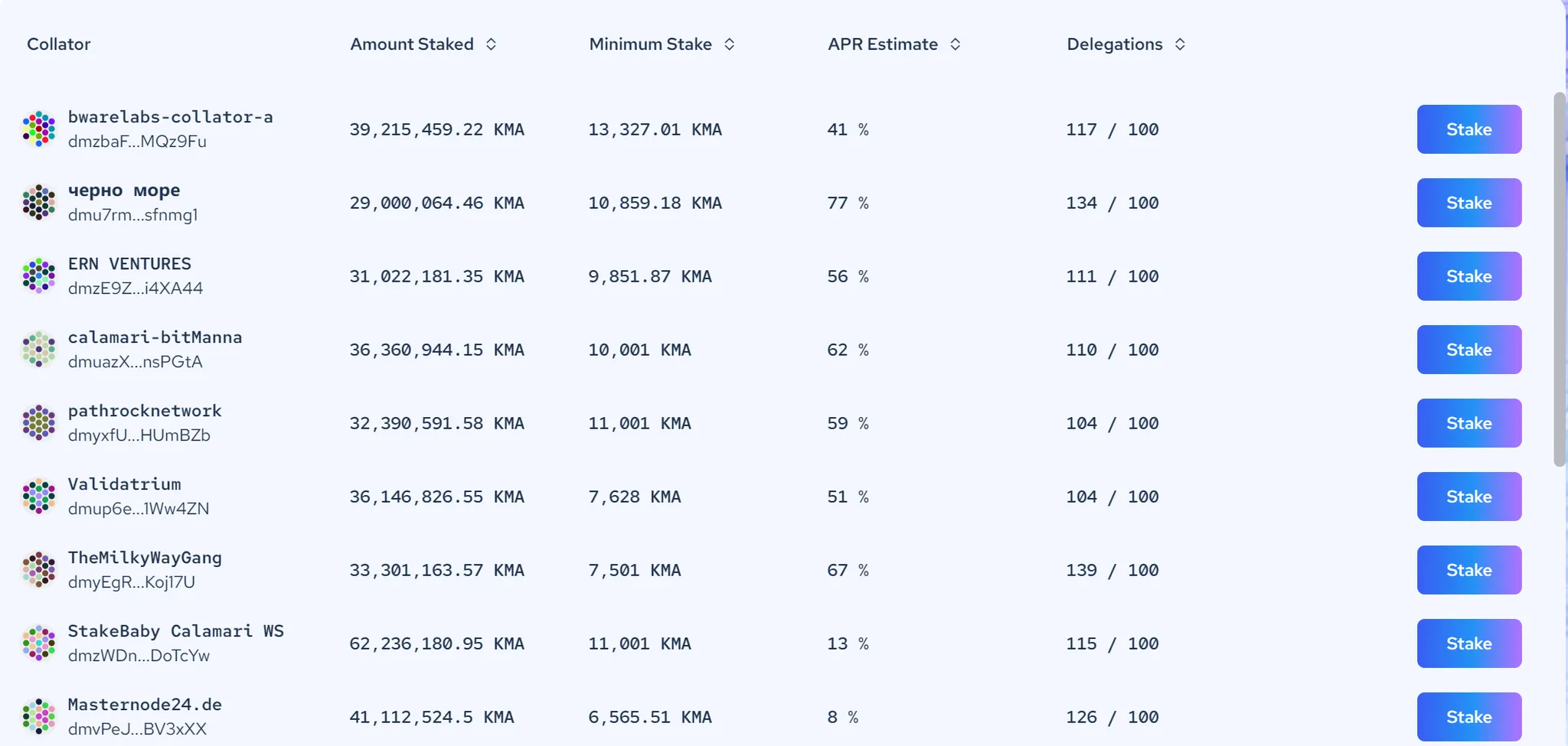
- Once you've established your wallet, verify that it holds sufficient $MANTA funds. Navigate to the Collator website on Manta Atlantic to select a collator for staking. Keep in mind that each collator can support a maximum of 100 wallets. Beyond this limit, only the top 100 wallets (sorted by $MANTA contribution) will receive rewards.
III. Select DxPool Node
There are many collators available for users to chose from but we recommend you stake with us, our node id: dfZGoguA6CiCwJATgZkp5MHuXTvrpc5vn3t5aX8d6qn8zsvW4 or search our name: dxpool.
IV. Check Your Rewards
Check your rewards by connecting your wallet to the Manta Collator website and viewing the top of the page.