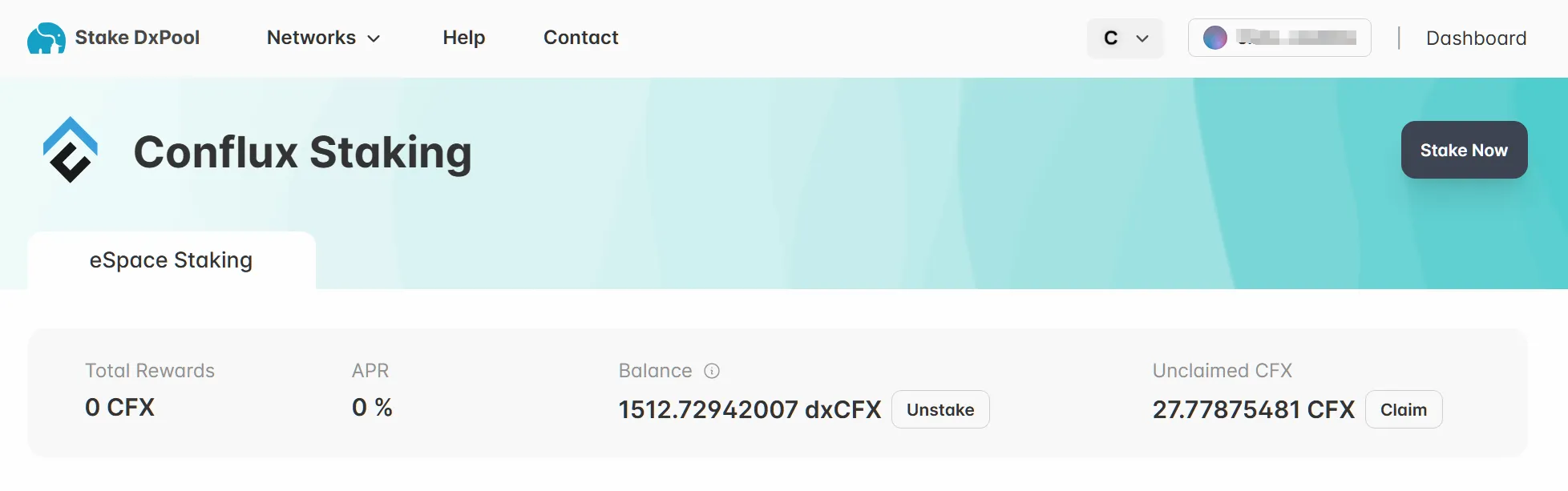
Conflux E-Space Staking Tutorial
How to stake $CFX (E-Space)
Overview
We will demonstrate the delegation process on E-Space.
Website: (https://stake.dxpool.com/conflux/espace/staking)
I. Connect Your Fluent wallet
- You need to connect your Wallet, we will demonstrate on Metamask.
💡 If you already have your wallet connected, skip to step 2.
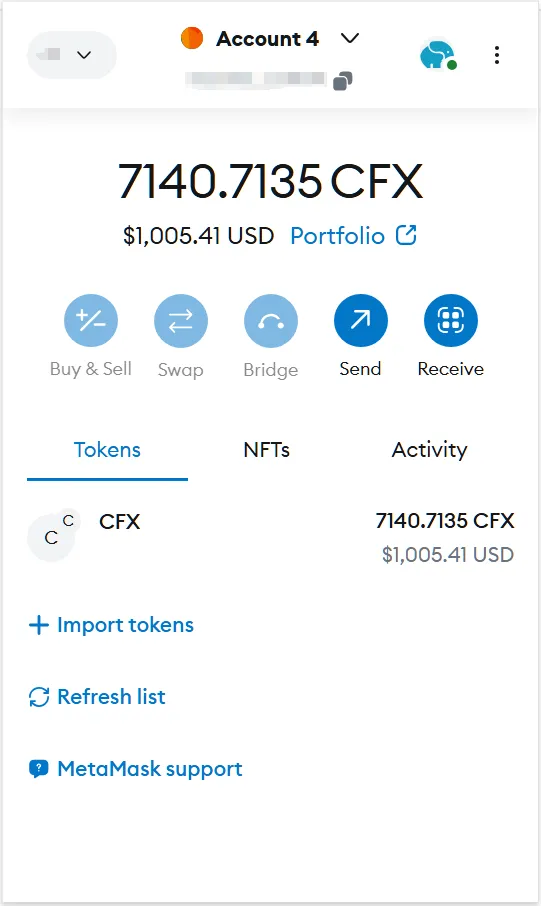
II. Prepare your $CFX
- You will need at least 1 $CFX to start E-space staking.
- Make sure you are on the correct "space" to stake, different spaces have different minimum staking amount.
III. Starting Staking
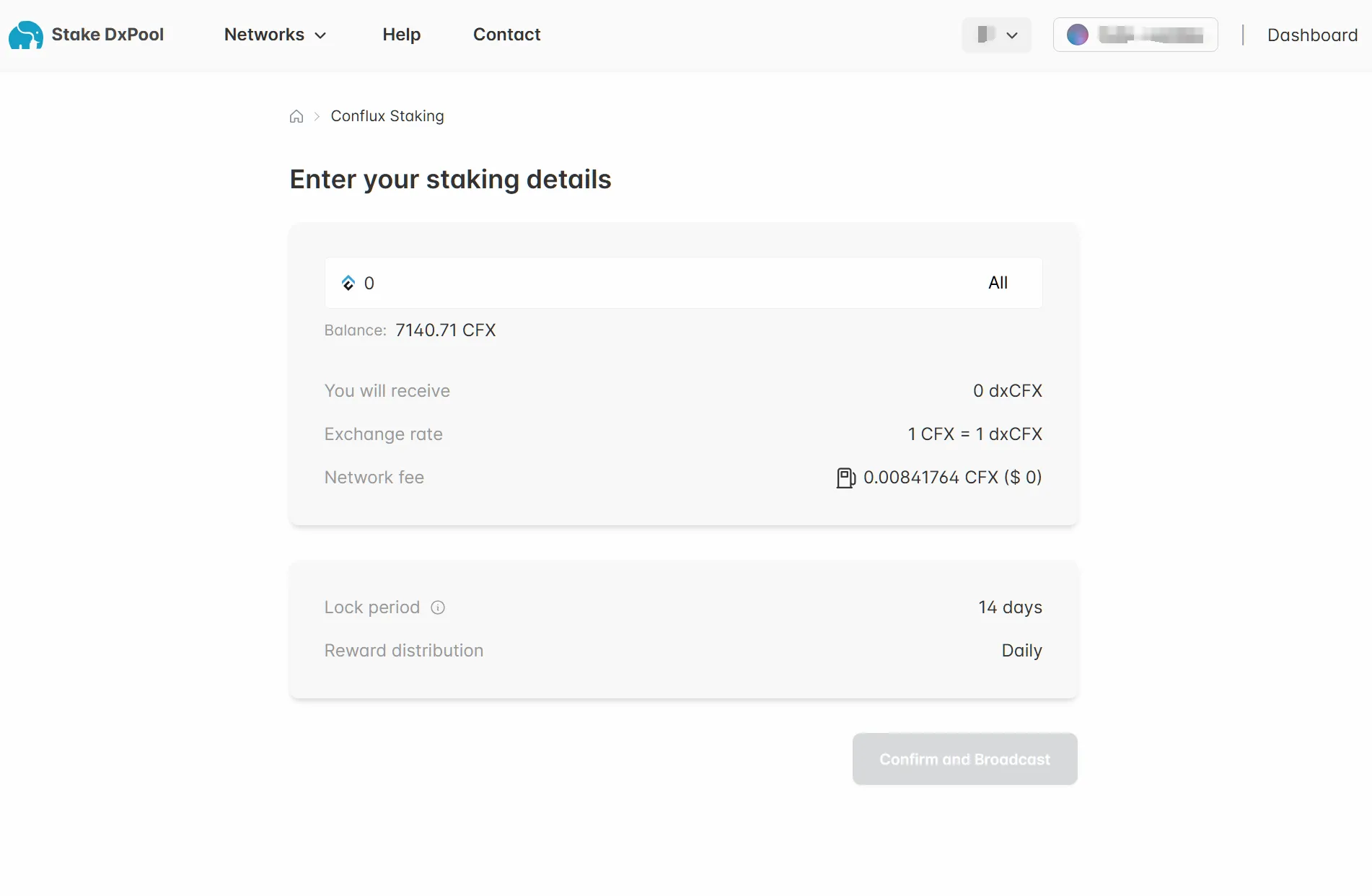
Once you have your $CFX, it's time to stake!
- Staking Amount
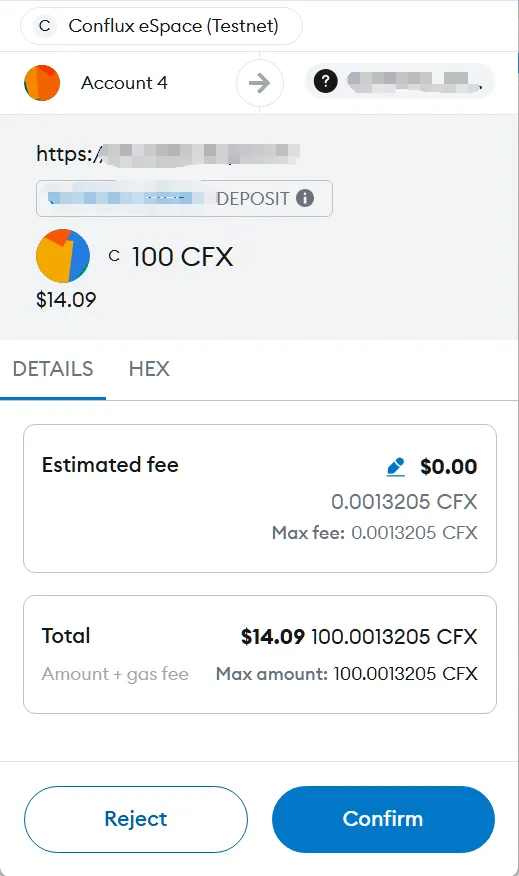
- Submit and confirm
- Success!
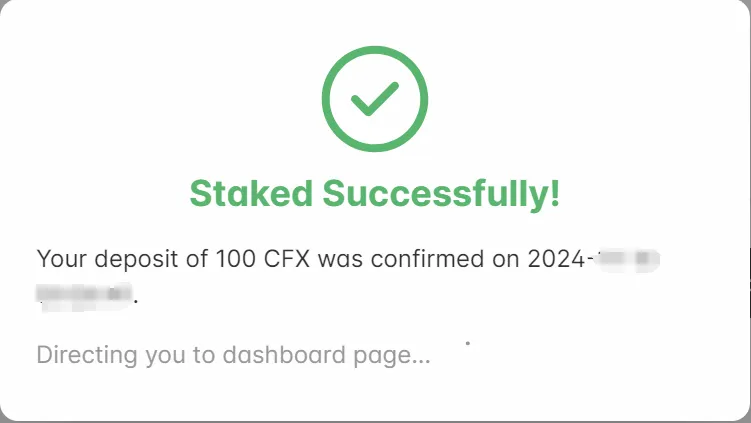
You should be seeing this window if your transaction went through.
IV. View on Dashboard
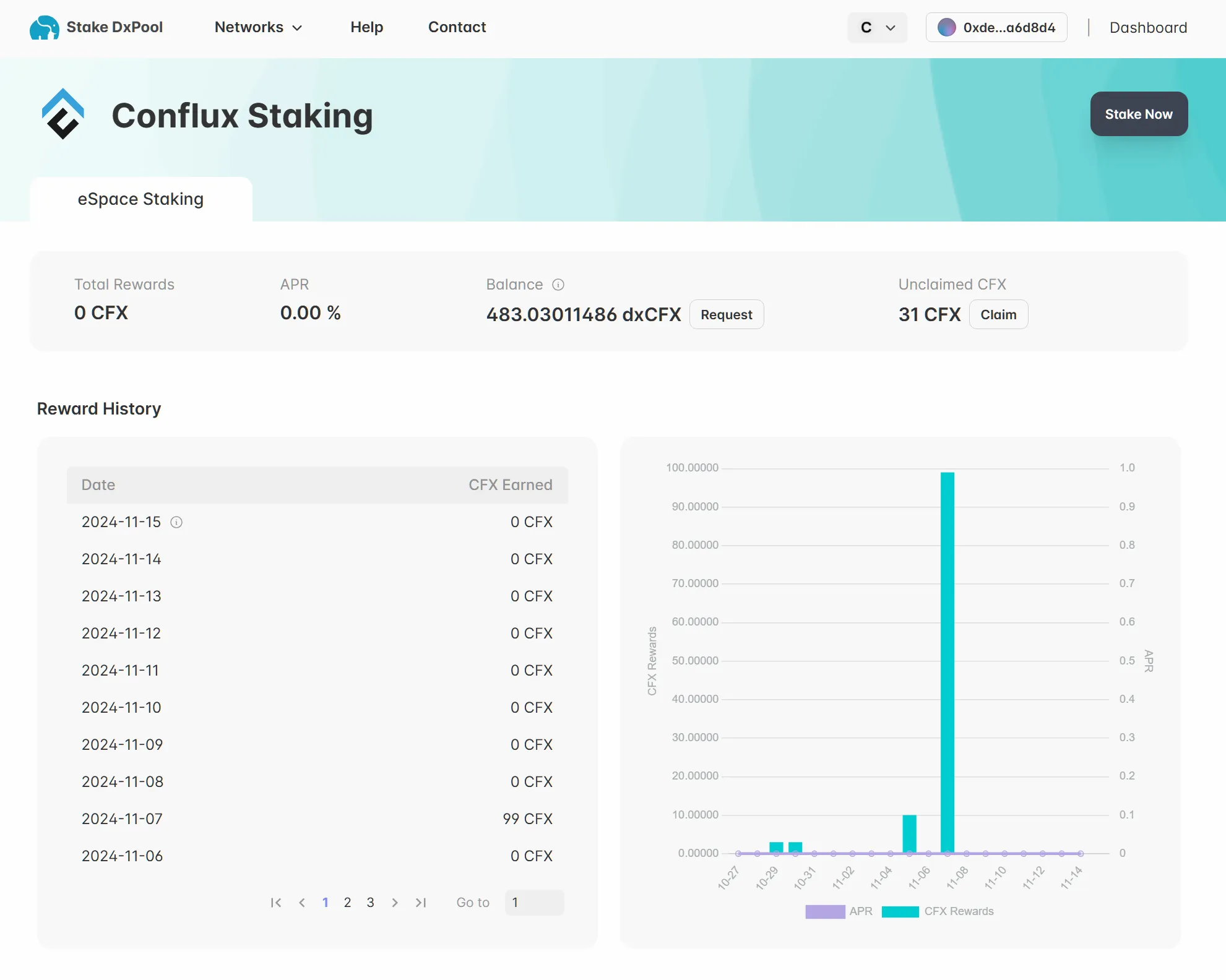
- View everything on Dashboard
V. To Unstake
- Go back to "Dashboard" and click on "Unstake" and proceed.